
Add Your First Entries
Everything you store in Entu is an entity — think of it as a card in a card file. A book, a person, an invoice, a photo: each is one entity with its own fields.
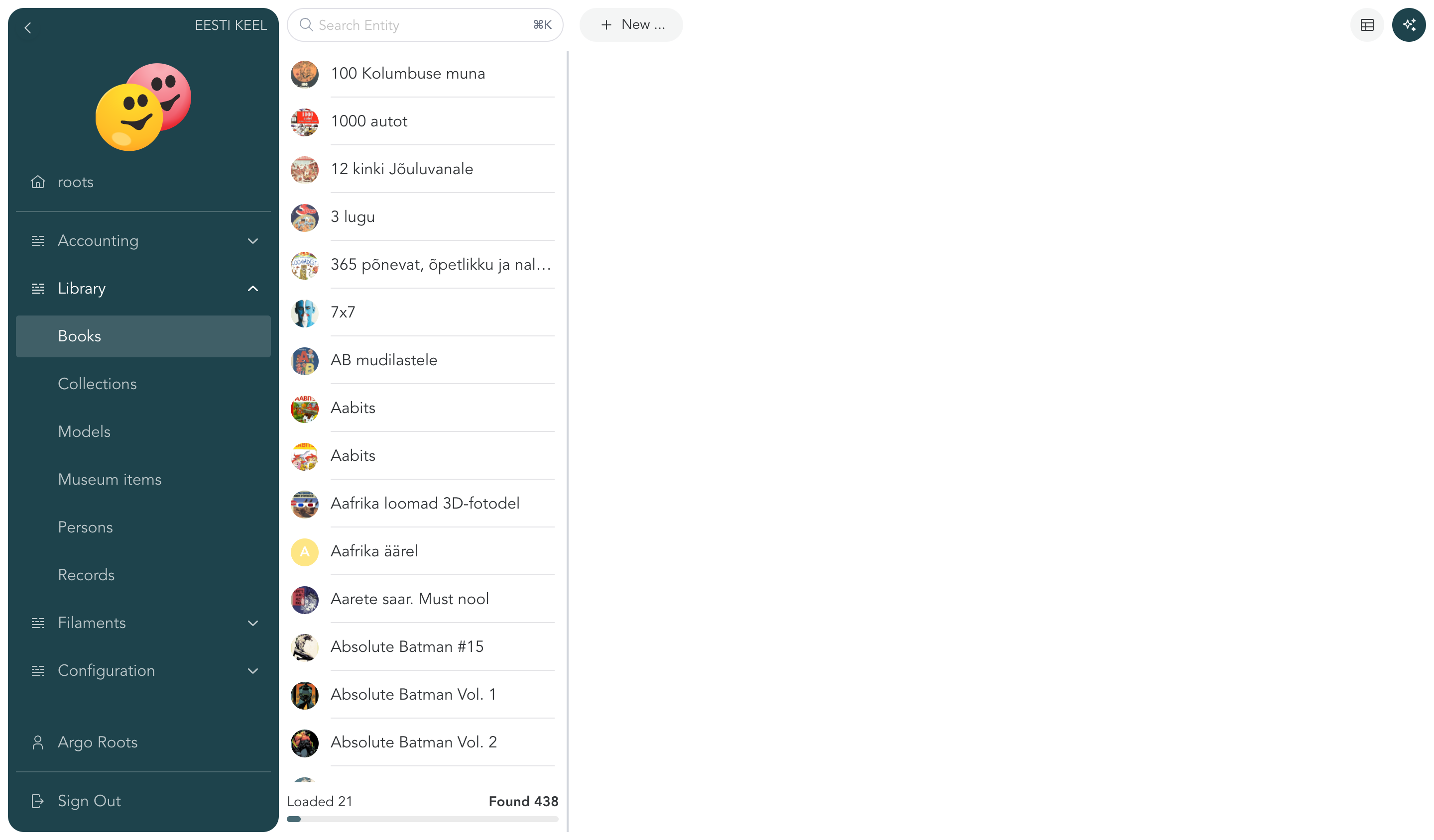
Create an entity
- Pick a place in the menu on the left — for example Library or Contacts.
- Click the add button (New …) in the toolbar.
- If the list offers more than one kind of entry, choose what you are adding (a book, a person…).
- Fill in the fields — each value is saved as soon as you leave the field — then click Close.
That's it — the entry appears in the list immediately.
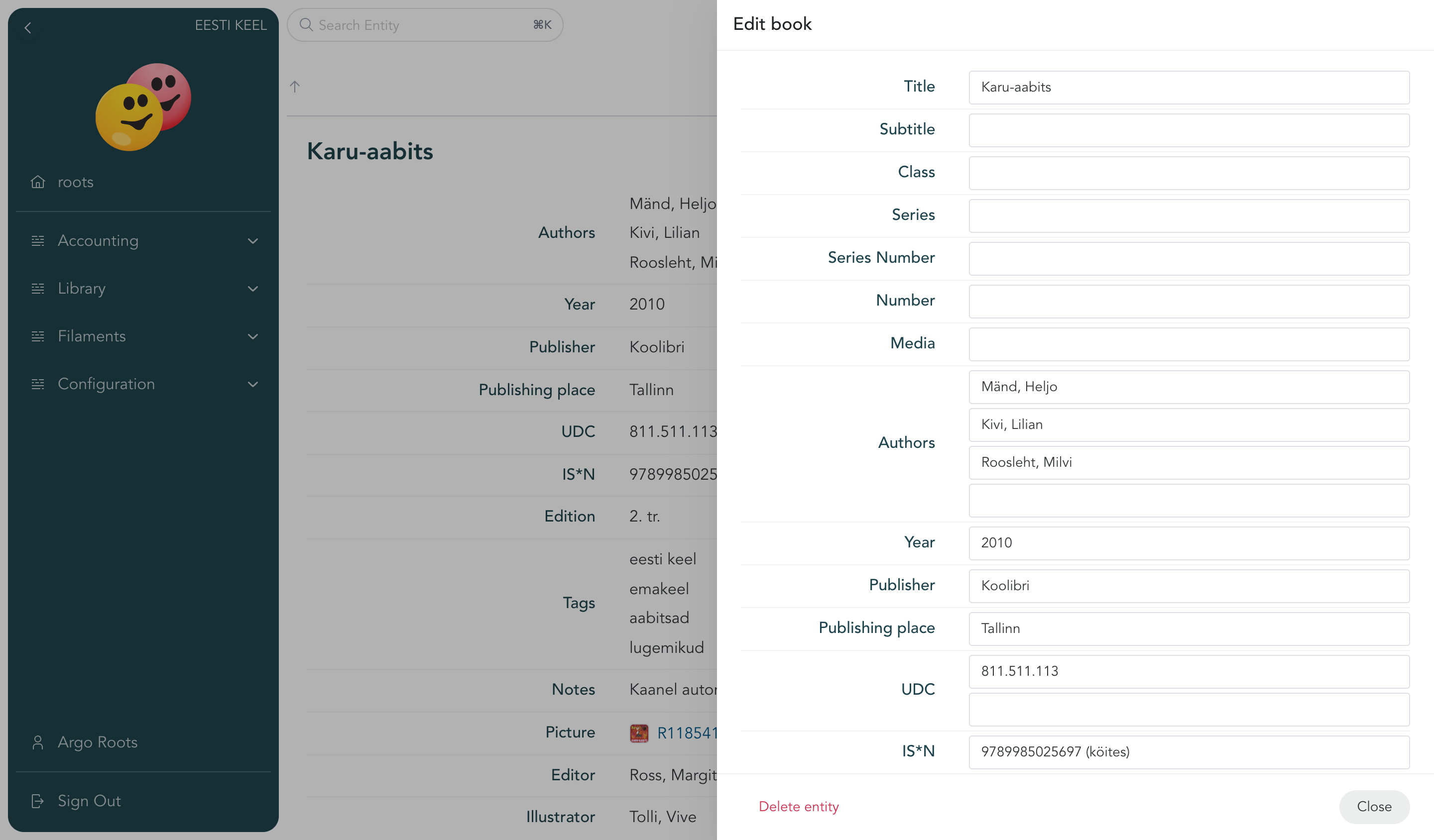
Attach files and photos
If an entry has a file field, you can attach documents, photos, or any other files to it — a receipt on a purchase, a scan on an old photo, a contract on a project. Files live with the entry, so you'll always know where to look.
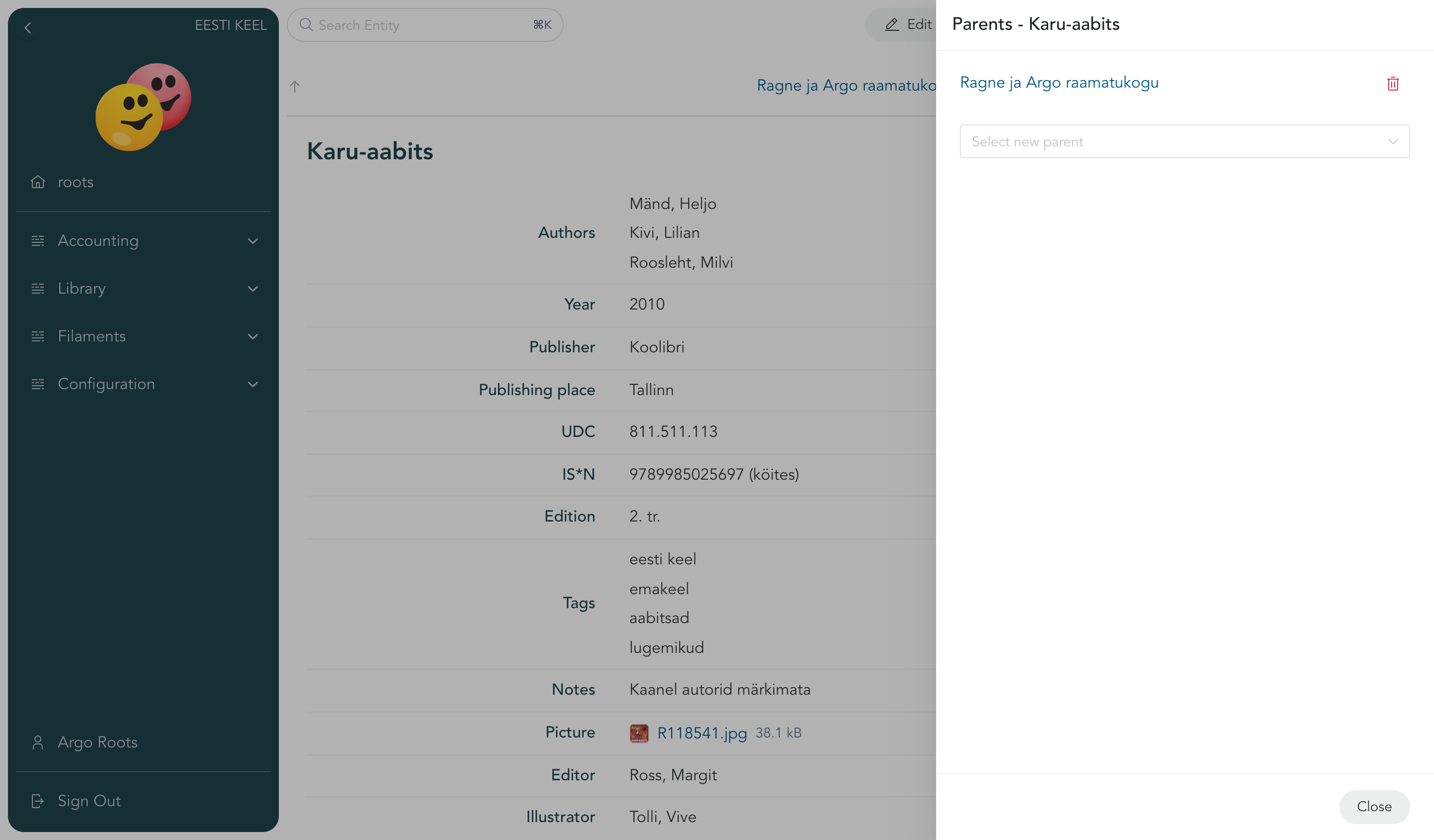
Put things inside things
Entities can be organised under each other, like folders — a book under a bookshelf, an invoice line under an invoice, a room under a house. This keeps big collections tidy — and entries can be set to inherit access rights from their parent, so you can manage sharing in one place (more on that in Share and invite).
Don't worry about getting it perfect
You can rename fields, add new ones, or restructure things at any time — nothing is fixed. If a template doesn't quite fit, adjust it as you go. The Configuration section covers this in depth when you're ready.